
Panoramix FacetAI
Put AI to work where it works for you. Panoramix FacetAI brings together AI assistance within Panoramix, access through supported external AI tools, and reusable workflows tailored to your firm—giving you flexibility in how you work with Panoramix.
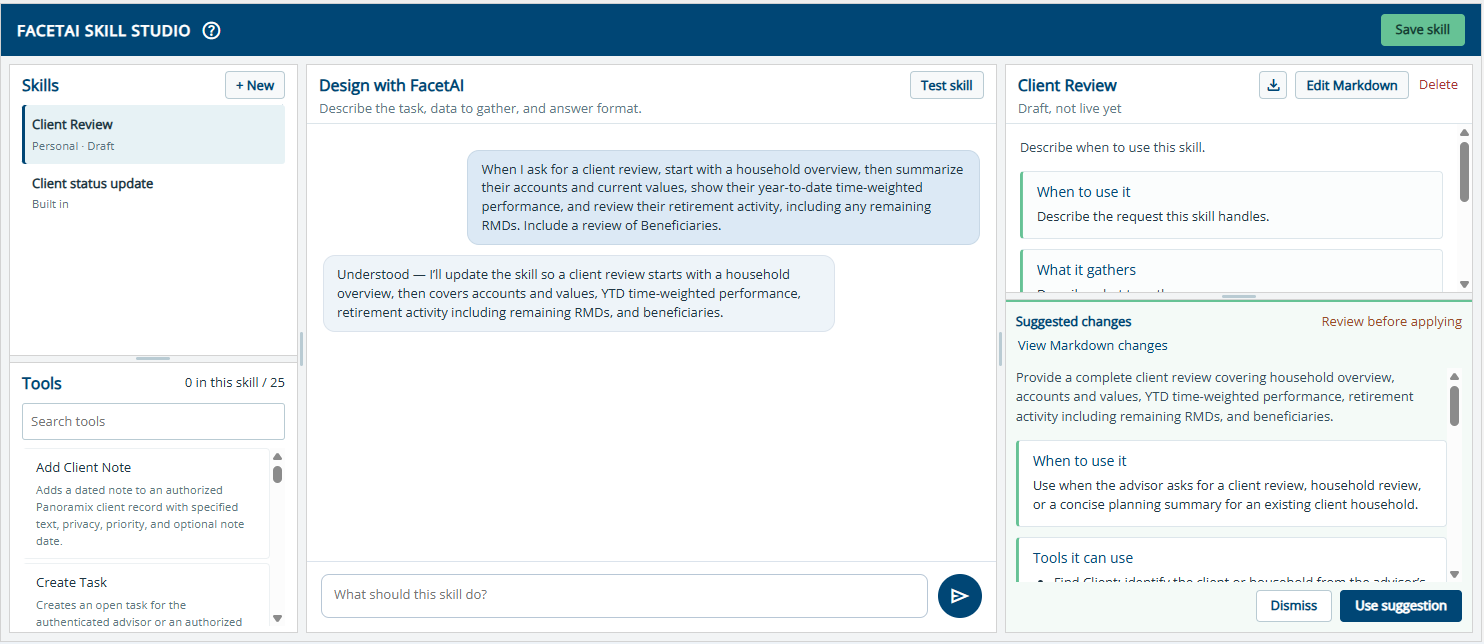
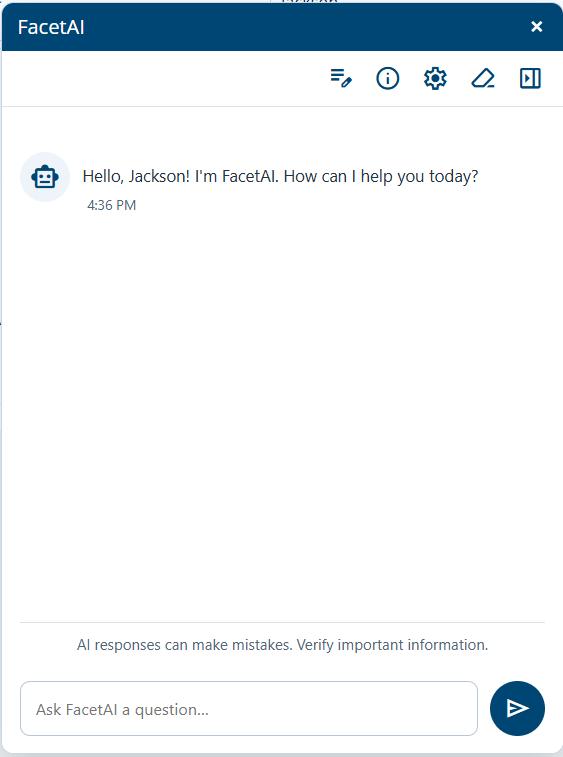
Select either screen to see it at full size.
Overview
FacetAI brings together three ways to work with AI: assistance within Panoramix, access through supported external AI tools, and reusable workflows tailored to your firm.
Choose the approach that fits the work at hand while keeping Panoramix at the center of your process.
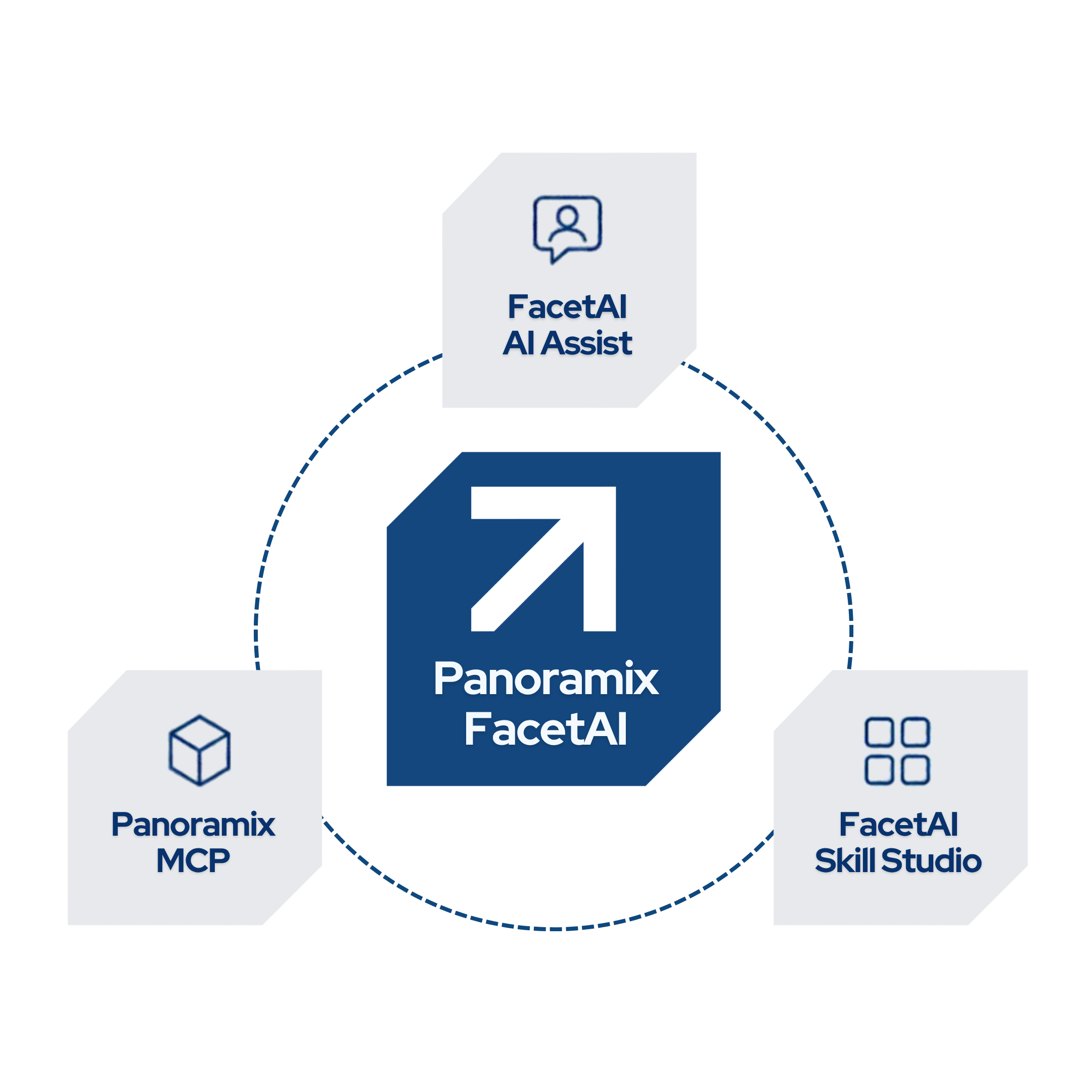
FacetAI AI Assist
An AI teammate built into Panoramix, FacetAI AI Assist lets you ask questions in everyday language, explore client and portfolio information, view reports and dashboard information, and complete supported workflows, all within the Panoramix platform.
Get started with preloaded Skills for client reviews, billing reviews, cash flow analysis, and more. These reusable workflows help you review information and identify items that deserve attention, bringing practical AI assistance into your daily work.
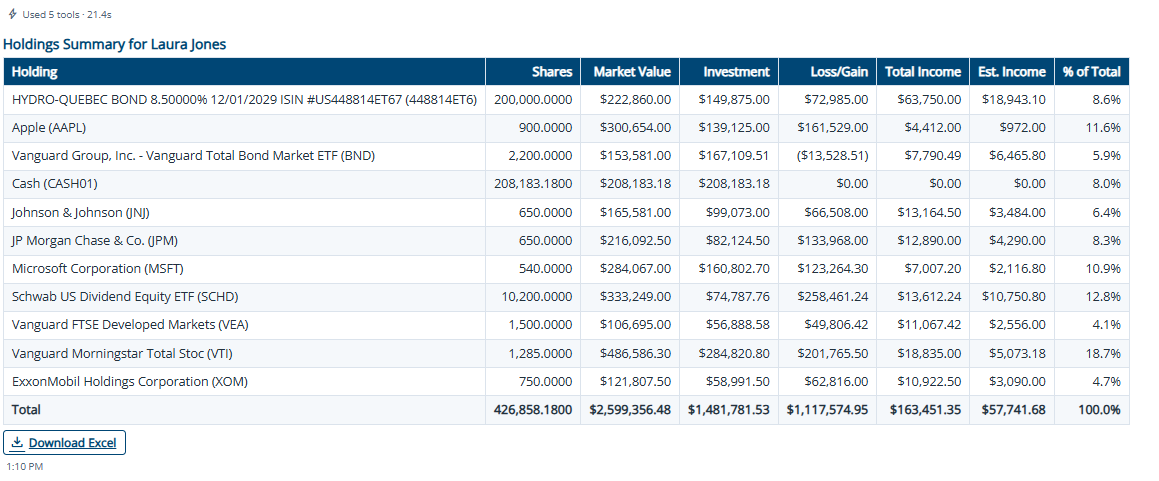
Example output using test data. Select the image to view it at full size.
Panoramix MCP
The Panoramix MCP Server connects your authorized Panoramix data and capabilities to compatible AI platforms, including ChatGPT and Claude, while preserving your existing Panoramix permissions. Work with detailed performance information, billing configurations, and advisor dashboard data to ask questions, analyze information, and prepare client reviews from an AI platform you already use.
You can also request specific Panoramix reports right where you’re working. For example, while preparing a client summary in Claude or ChatGPT, you can retrieve your client’s Account Performance History report as a PDF to use alongside your analysis. Bring a familiar report into the work you’re already doing without switching back to Panoramix to retrieve it.
Skill Studio
Teach AI how your firm works with FacetAI Skill Studio. Describe a task in everyday language, test the results, refine the instructions, and save the process as a reusable Skill, without programming or technical expertise. Start with a preloaded Skill or create your own to reflect the way your firm gathers, reviews, and presents information.
For example, customize a client review to focus on household performance, retirement distributions, and billing arrangements, with the results organized in your preferred format. Save the Skill to use for future reviews, or export it as a Markdown file for use with other AI tools that support the format.
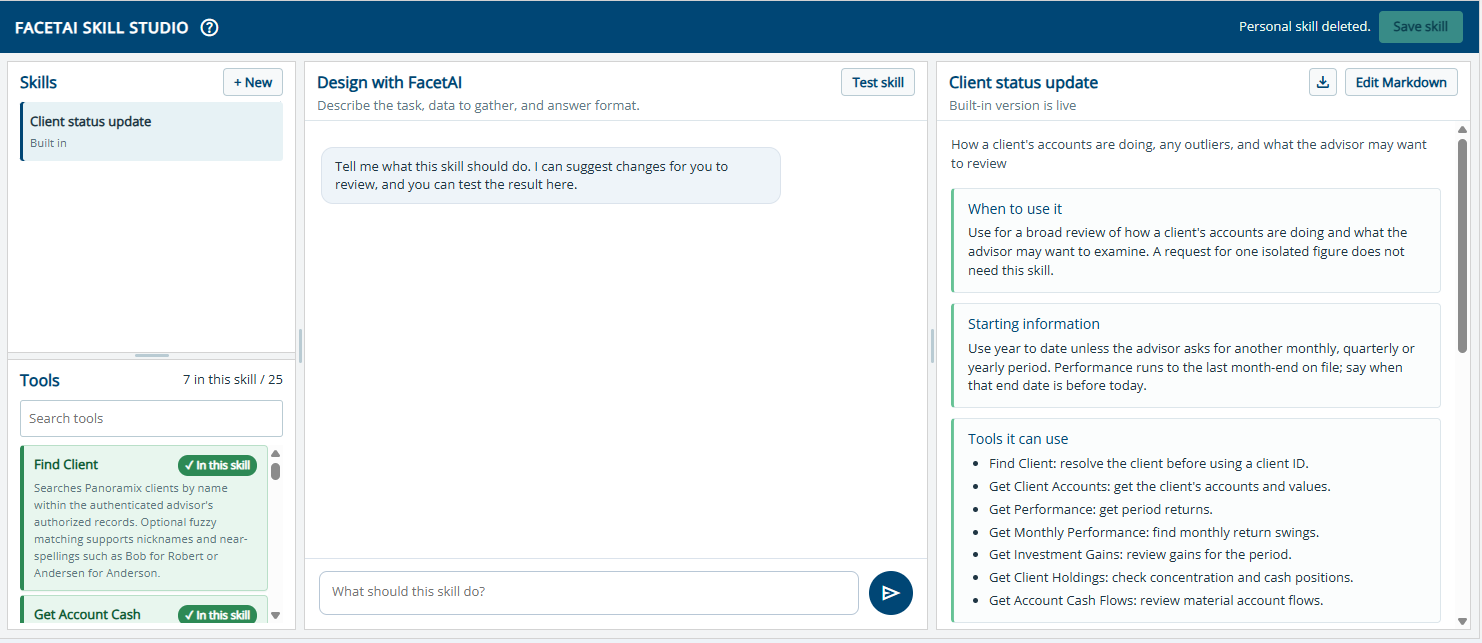
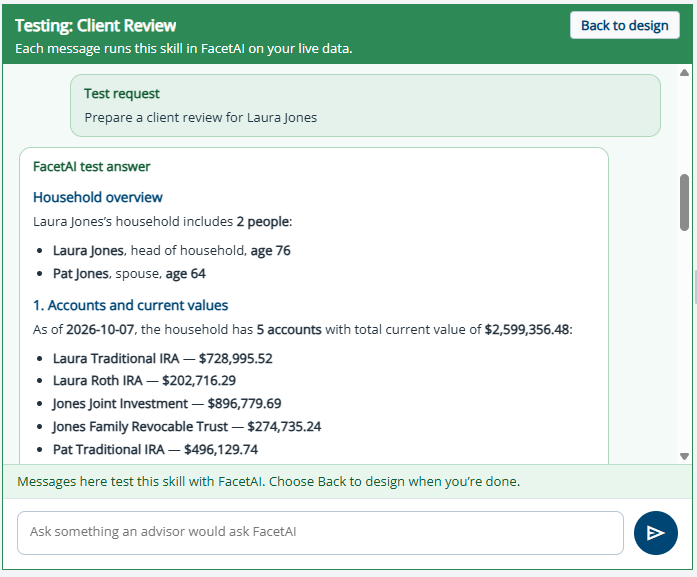
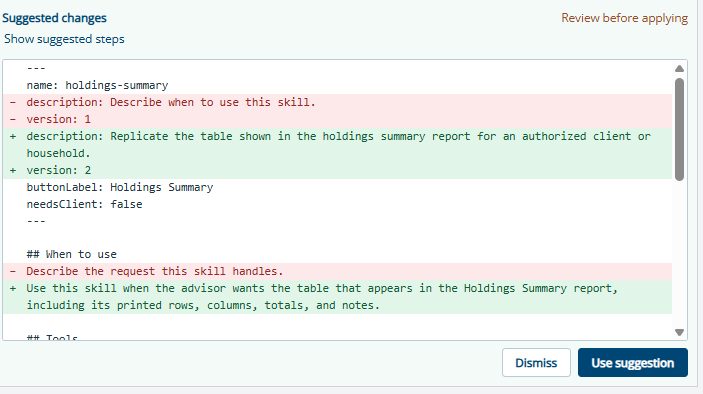
Select any screen to see it at full size.